One struct owns the geometry
DockLayout produces tile frames, hit testing and drag-insertion points. The SwiftUI drawing and the AppKit hit-testing both ask it, so they cannot disagree about where a tile is.
As many macOS docks as you want, each pinned to its own display.
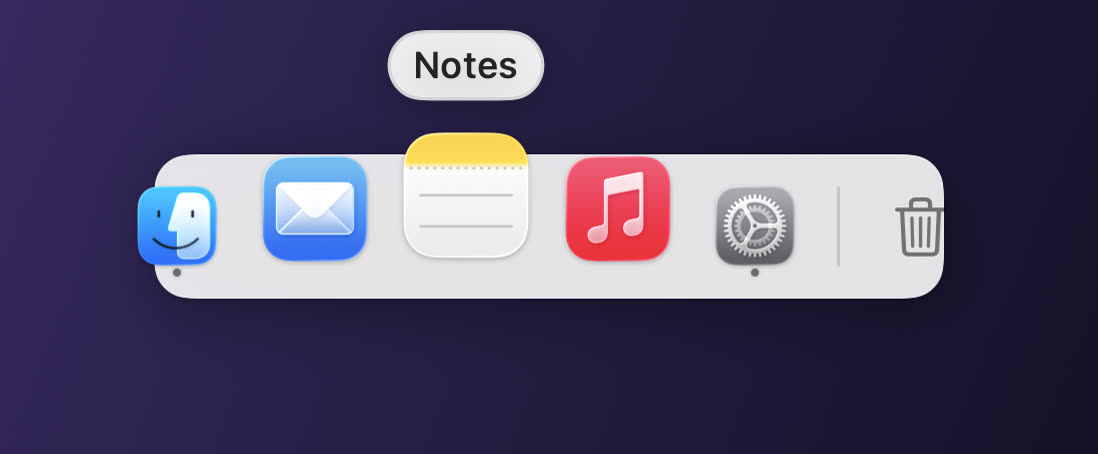
macOS gives you one Dock, and on two monitors it either lives on one screen or chases the pointer. Pier gives you as many as you like — each pinned to a display, each with its own contents, position and look. Native Swift, built from source, and it asks for no permissions and never touches the network.
DockLayout produces tile frames, hit testing and drag-insertion points. The SwiftUI drawing and the AppKit hit-testing both ask it, so they cannot disagree about where a tile is.
A raised-cosine falloff plus neighbour displacement that sums to zero, so the dock does not drift sideways as the swell moves under your pointer. It is the one thing everyone notices when it is wrong, and far easier to prove than to eyeball.
Global mouse monitoring needs no Accessibility grant — only keyboard monitoring does. Auto-hide reveal is a 4pt band at the screen edge, watched by pointer position alone.
Screens are identified by CGDisplayCreateUUIDFromDisplayID with a name-and-resolution fallback. Unplug a display and its dock hides rather than piling onto whatever screen is left.
git clone https://github.com/openwarehq/pier
cd pier
docker compose up
Then open the app and connect a model — pick a provider, paste a free key, done. It also reads a repo-root .env if you prefer a file.
Stated up front, because scope discovered at 2am is a betrayal.